
Screenshots

About This App
Galaxy Planning is the official daily operations and attendance management app for Galaxy Electrical Engineering Company PVT. LTD., Birgunj, Nepal.
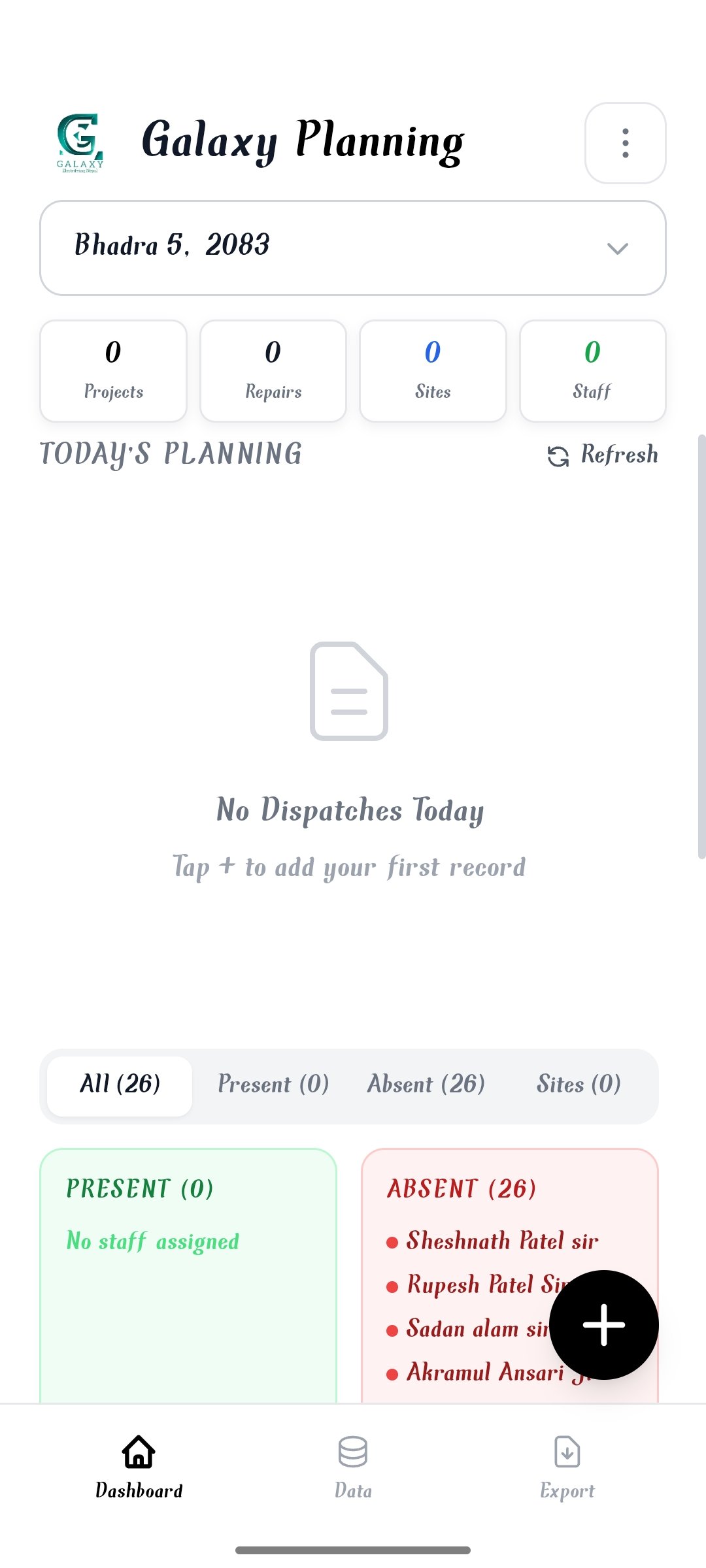
Designed specifically for mobile-first team management, Galaxy Planning helps organize daily project dispatches, staff deployment, site work, machine tracking, and overtime records.
Key Features:
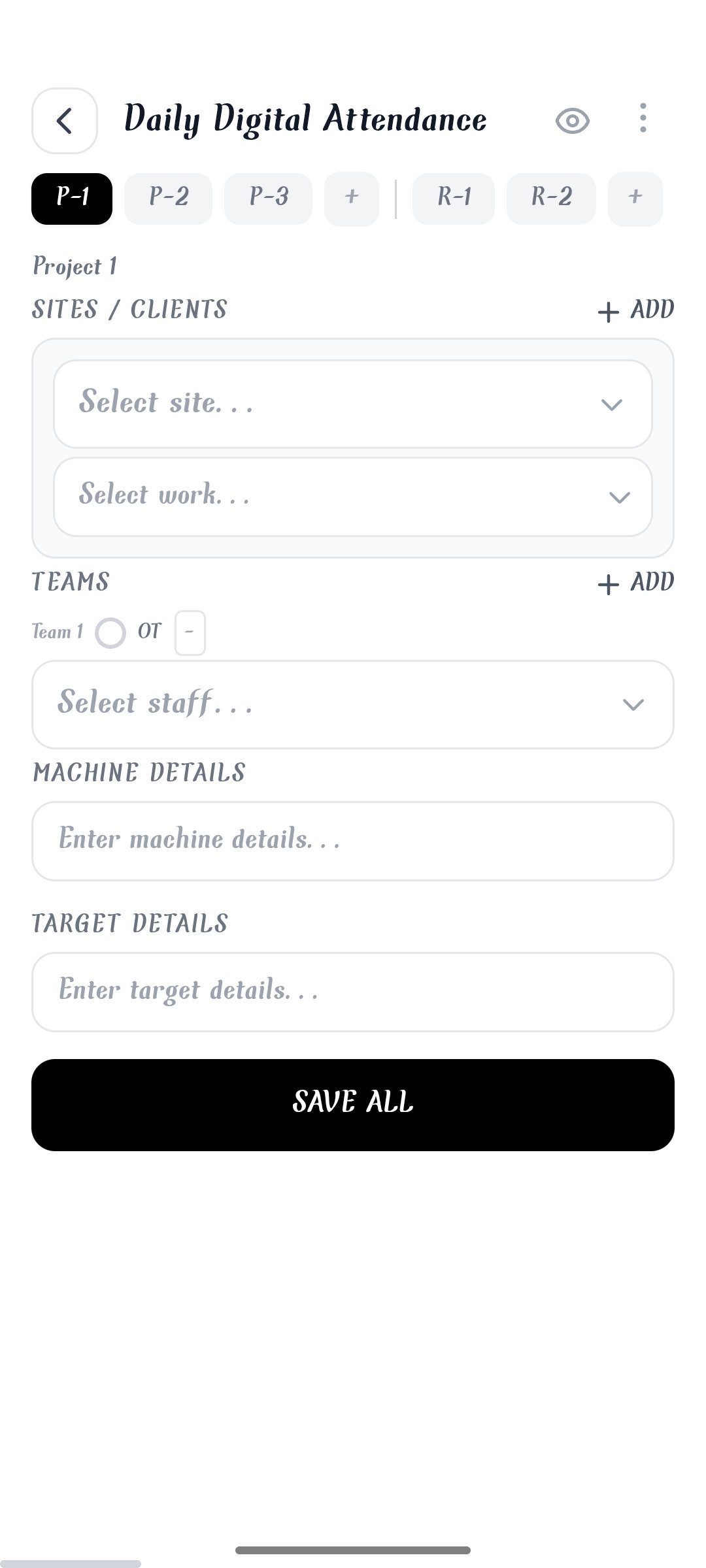
-Daily Dispatch Management: Easily track and manage daily projects, repair work, target details, and assigned sites or clients.
-Digital Attendance & Teams: Record daily present/absent staff, assign staff teams to specific sites, and manage overtime effortlessly.
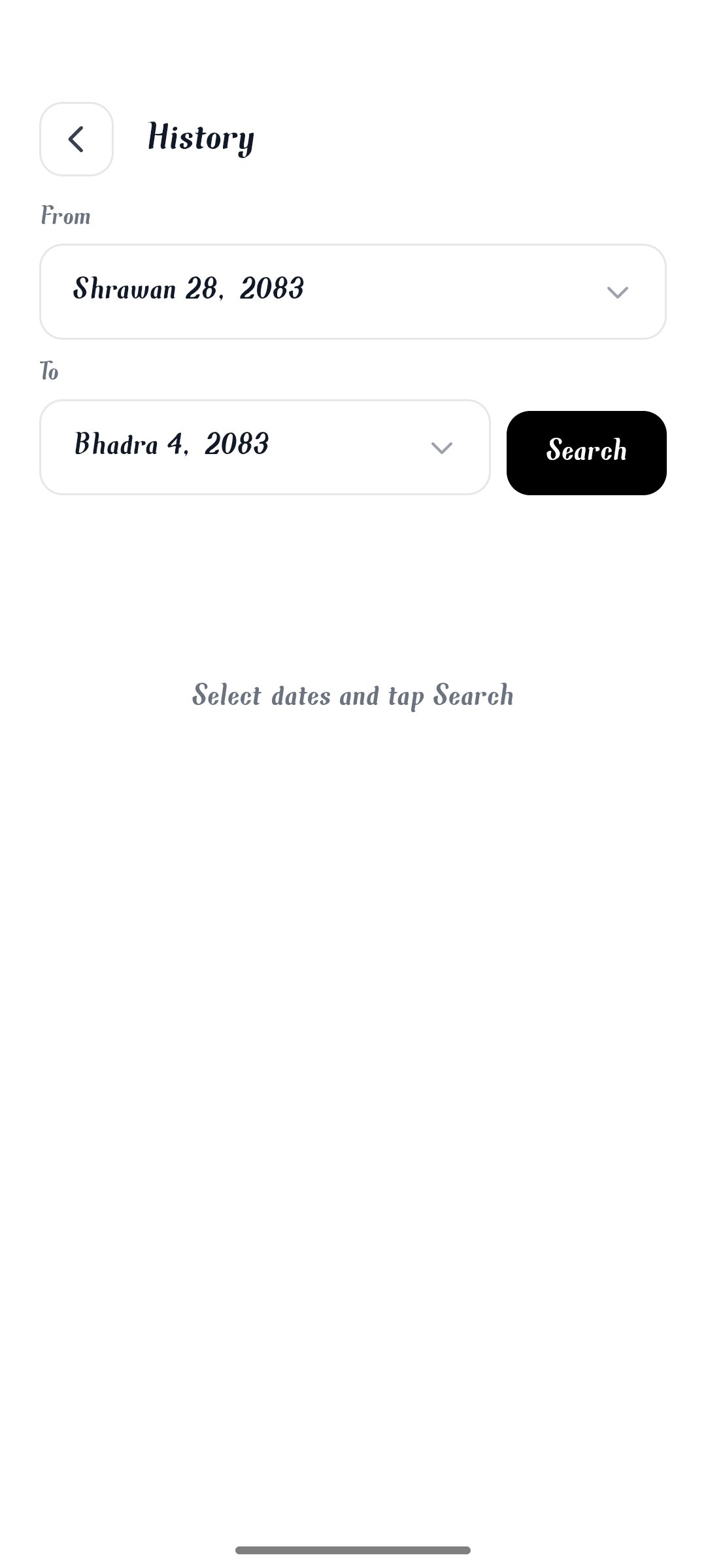
-Nepali Date Support: Full integration with Bikram Sambat (BS) and AD date conversions for seamless daily planning in Nepal.
-Spreadsheet & Live Overview: Preview complete daily operations in a clean spreadsheet view, complete with client address details and staff status.
-Exports & Sharing: Export reports directly into professional PDF, Excel, and HTML formats, or share per-slide image updates instantly.
-Offline-First Performance: Fast and smooth operation with built-in smart caching for uninterrupted daily workflow.
What's New
- Multi-user login: Owners can now create separate user accounts for staff — each user logs in with their own PIN.
- Users & Permissions (Settings): Owners grant each user access to only the allowed sections (Planning, Staff, Sites, Designations, Work, Export, Settings) — with Edit/Delete/Clone/History toggles inside Planning.
- Password Protection: Every section can be locked with its own PIN/password; fingerprint (biometric) unlock is also supported.
- Fingerprint unlock: Confirm protected actions using your phone's biometrics.
- My Login: Each user can change their own username and PIN from Settings.
- Instant logout for disabled users: When the owner disables a user, they're immediately sent back to the login screen.
- GEC Backup & Restore: Back up all data into a single .gec file (All Time / Today / This Month / Custom Range) and restore anytime.
- Organized exports: All Excel/PDF/HTML files and backups now save to the Downloads/Galaxy Planning/ folder on Android.
- In-App Update notifications: The app shows a popup when a new version is available; the owner can publish updates (version number, message, store link) from Settings → App Update.
- Web/browser layout fixes plus performance and bug fixes.
Related Apps
Galaxy Planning App
Naushad Alam
8 MB
Daily attendance, work planning, and dispatch management for Galaxy Company.
v2.0
Install

Galaxy Sketch App
Naushad Alam
11 MB
Draw floor plans, sketch layouts, and design electrical points effortlessly.
v1.0
Install

Galaxy App Store
Naushad Alam
11 MB
Official app store for downloading all apps developed by Galaxy IT Company.
v1.0
Install